Kyro
For businessesFor customersPricingBlogHelp
Log inSign up free
For customers

Rewards in yourwallet, not an app

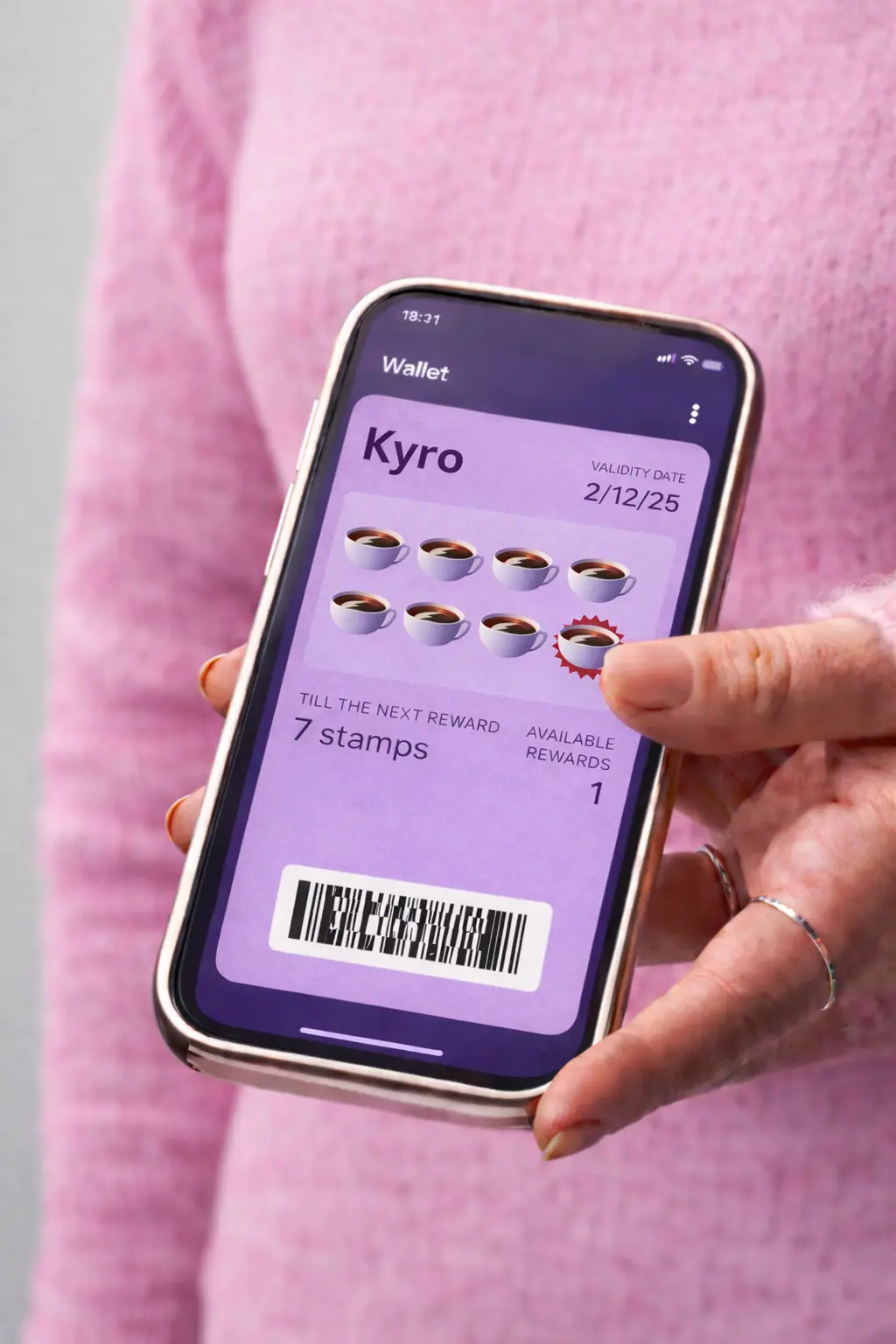
Scan a QR code. Add your card. Earn rewards. It takes 2 taps and lives right in Apple Wallet or Google Wallet.

Apple Wallet
Google Wallet
Earn rewards with Kyro loyalty cards

3 steps

How it works

From zero to rewards in under 10 seconds.

01
Step 01

Scan

Point your camera at the QR code on the counter. No app needed — your phone handles it.

02
Step 02

Add to Wallet

One tap to add your loyalty card to Apple Wallet or Google Wallet. Done in 2 seconds.

03
Step 03

Earn rewards

Every visit counts. Watch your progress grow and get notified when a reward is ready.

Benefits

Why you'll love it

No downloads. No friction. Just rewards that live right in your phone.

Loyalty card in phone wallet

No app download

Works with the wallet already on your phone. Nothing to install, nothing to update.

No account needed

No email. No password. No forms. Just scan the code and you're in.

Free rewards

Earn points or stamps every visit. Unlock free products and exclusive deals automatically.

Lock screen alerts

Get notified when you have a reward waiting or a flash deal nearby. Never miss out.

Works everywhere

Apple Wallet, Google Wallet — it doesn't matter. One card works on every phone.

Always with you

Your card lives in your phone. No plastic to carry, no paper to lose. It's just there.

Next time you see a QR code — scan it

Join thousands of customers who earn rewards without downloading another app.

Are you a business?

Results may vary. Revenue and retention metrics shown reflect averages from Kyro merchants. Learn more.